Your Pi runs eight things.
Know when one dies.
PiHelm connects to your Raspberry Pi over SSH and works out what it's actually running. It checks that each service really answers — not just that the process is up — and tells you when one goes down.
Get it on the App StoreFree for 7 days, everything unlocked. Then $7.99 once. No subscription.
What it looks like
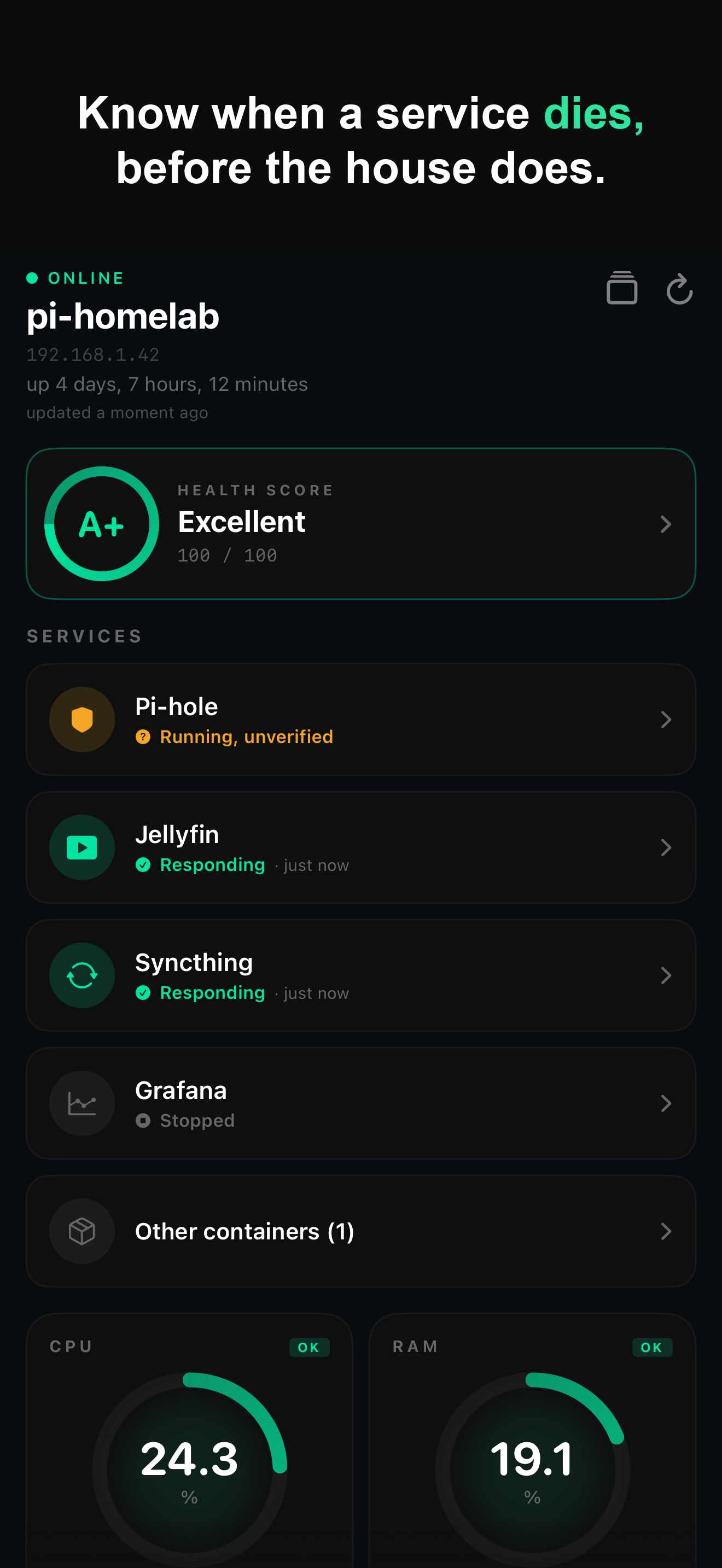
It finds them by itself
No configuration. Connect, and the services you're running show up with their own cards.
"Running" and "working" are different things
systemctl says active and docker ps says Up while the service behind them stopped answering hours ago. That's the failure that actually bites, and process state can't see it.
PiHelm asks the service itself, on your Pi's own loopback, and reports one of four states: responding, not responding, running but unverified, or stopped — with a timestamp, so a check from an hour ago doesn't read as current.
It doesn't cry wolf
A container you stopped on purpose is not a problem, and PiHelm won't treat it like one. It reads the intent your system already declares — whether a unit is enabled at boot, whether a container has a restart policy — instead of guessing.
Something declared always-on that isn't running gets an alert. Something you shut down yourself stays quiet.
When something breaks
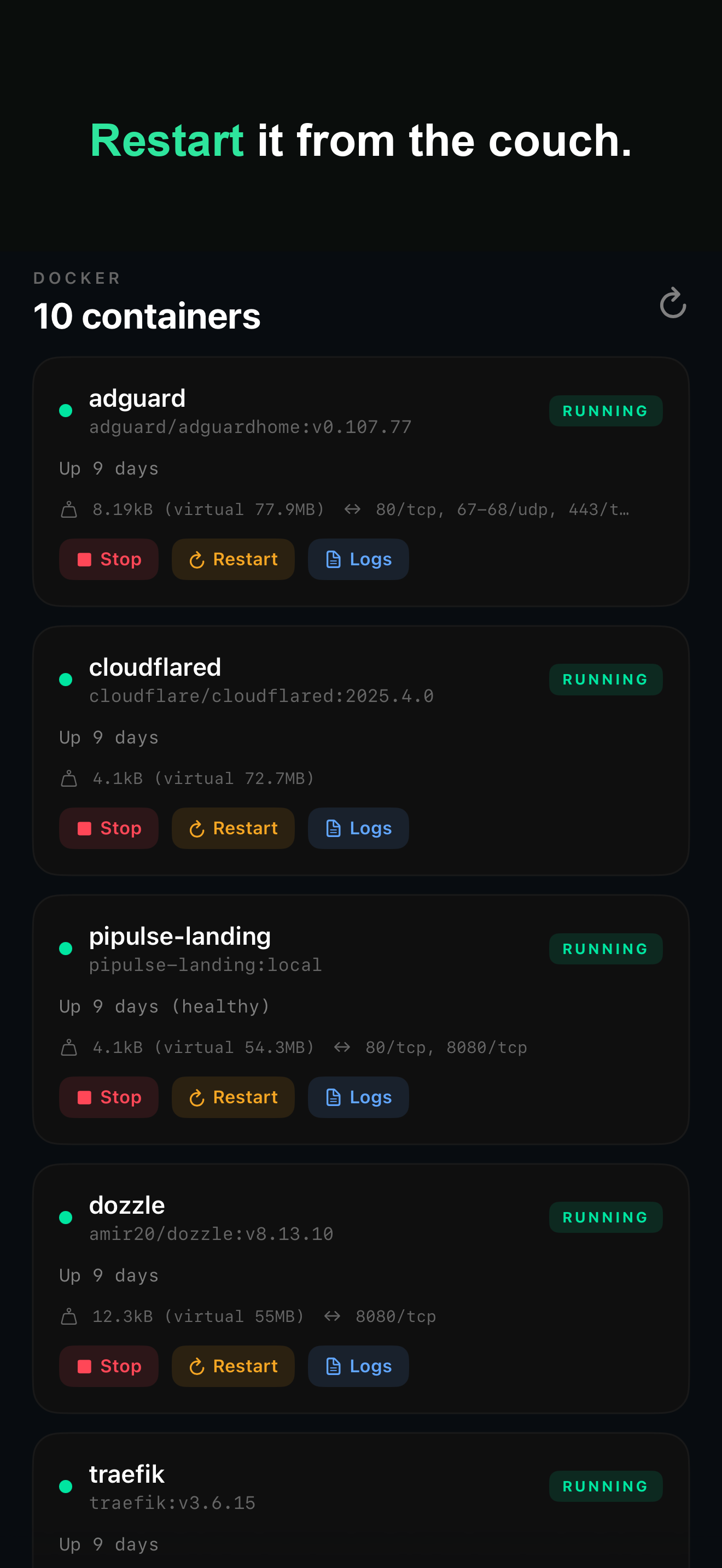
- Restart the container or the unit from the same screen
- Read
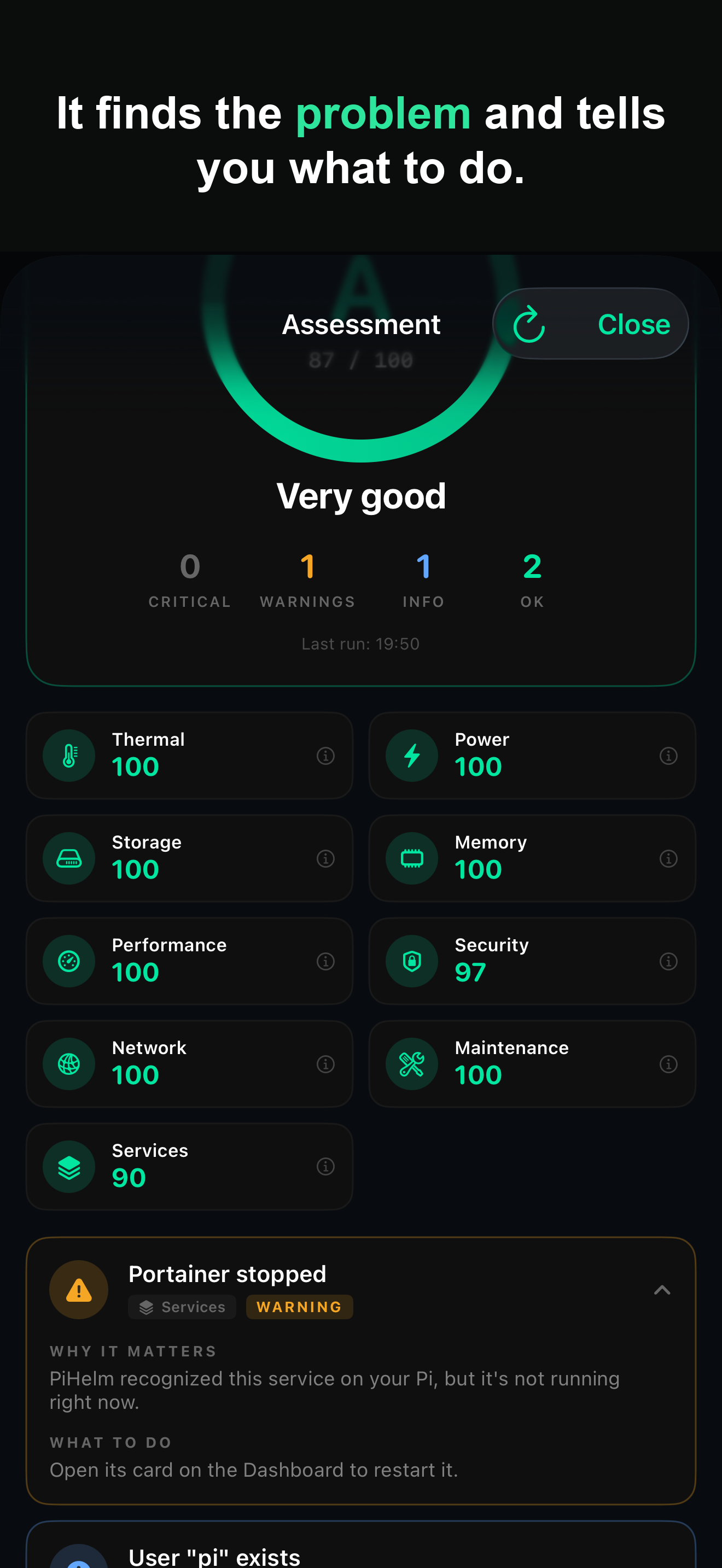
journalctland container logs without opening a terminal - A Health Score that inspects the Pi, grades it, and gives you the exact command for each finding
- A notification when a background check finds a service down — local, fired by the app itself, since there's no server to push from (see the limits for how often iOS allows that)
How it connects
Plain SSH. Nothing installed on the Pi — no agent, no daemon, no cron job.
No PiHelm server. Your phone talks to your Pi and to nobody else. No account, no telemetry.
The host key is verified before any credential is sent. Pinned on first connection, like known_hosts. If it changes, the connection stops and PiHelm explains why instead of handing your password to whoever answered.
Credentials live in the iOS Keychain.
What it doesn't do
iPhone only. No iPad layout yet, no Mac app, no Android.
Background checks are not real time. With the app closed, iOS decides when it may run — typically every 15 to 60 minutes, sometimes not at all if you rarely open the app or Background App Refresh is off. Anyone promising continuous monitoring from an iOS app is describing something the platform doesn't allow.
Same network, or a VPN. PiHelm speaks straight to your Pi, so from outside your home you need something like Tailscale or WireGuard. The app explains how when it detects the situation.
Which means alerts don't follow you everywhere. Away from home with the app closed, a background check can only reach your Pi if your VPN is always-on — Tailscale can be. Without that, the check can't connect and you won't get the alert. It's the honest consequence of having no server in the middle.
RSA keys only, or a password. The SSH library underneath doesn't parse Ed25519 or ECDSA yet. If your Pi only accepts an Ed25519 key, PiHelm can't connect to it today.
It's closed source. The commands page exists because that's a fair thing to want to check.
Questions people actually ask
Why not just use Uptime Kuma?
If you already run Kuma on a second machine, keep it — nothing on a phone beats a box that checks every 60 seconds. PiHelm is for the Pi that has nothing watching it: no setup, it works out what you're running by itself, and when something is down the restart button, the logs and a terminal are on the same screen as the alert. Kuma tells you it's down; it can't bring it back.
Does it work on things that aren't a Raspberry Pi?
Yes. Almost everything works on any Debian or Ubuntu box over SSH. The Pi-specific parts are the temperature, throttling and undervoltage checks.
Multiple machines?
Yes — included in the one-time unlock, along with the container and service controls, alerts, history, terminal and saved commands. After the trial ends without paying, the app keeps working as a single-Pi monitor.
Why is it paid, and why one payment?
There's no server, so there's nothing a subscription would be paying for. Seven days free with everything unlocked, then $7.99 once.
Why isn't it on the App Store in Europe yet?
EU distribution comes with requirements for individual developers that I haven't been able to meet yet. If you're in the EU and want PiHelm, write to me at gortega+pihelm@gmail.com or on LinkedIn and I'll tell you the moment that changes.